
Drop in anything.
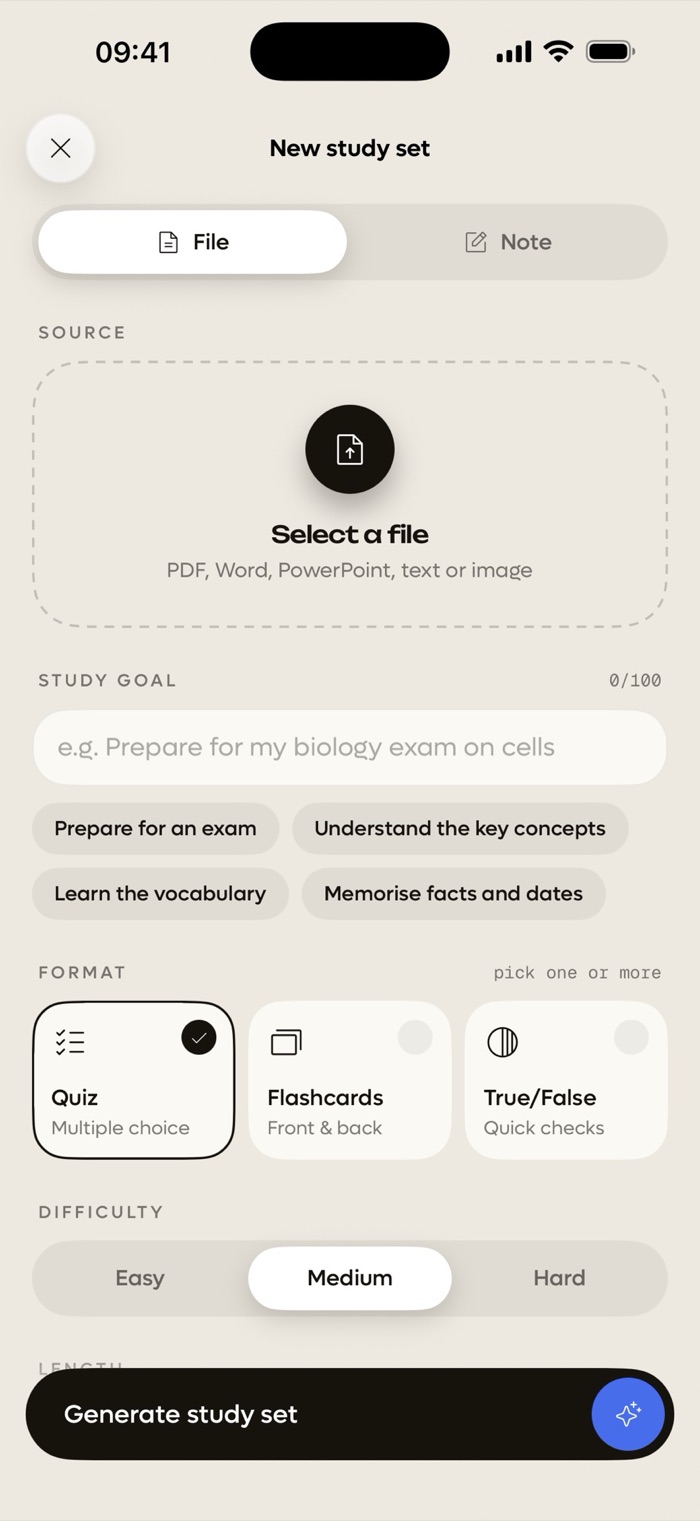
Lecture PDFs, scanned pages, Word docs, PowerPoint slides, photos or typed notes.
 Quibly
Get Quibly
Quibly
Get Quibly
Drop in your lecture PDF or slides. Quibly turns it into a quiz, flashcards and true/false checks in seconds.

Lecture PDFs, scanned pages, Word docs, PowerPoint slides, photos or typed notes.
Choose quiz, flashcards or true/false. Add your study goal and set the difficulty.
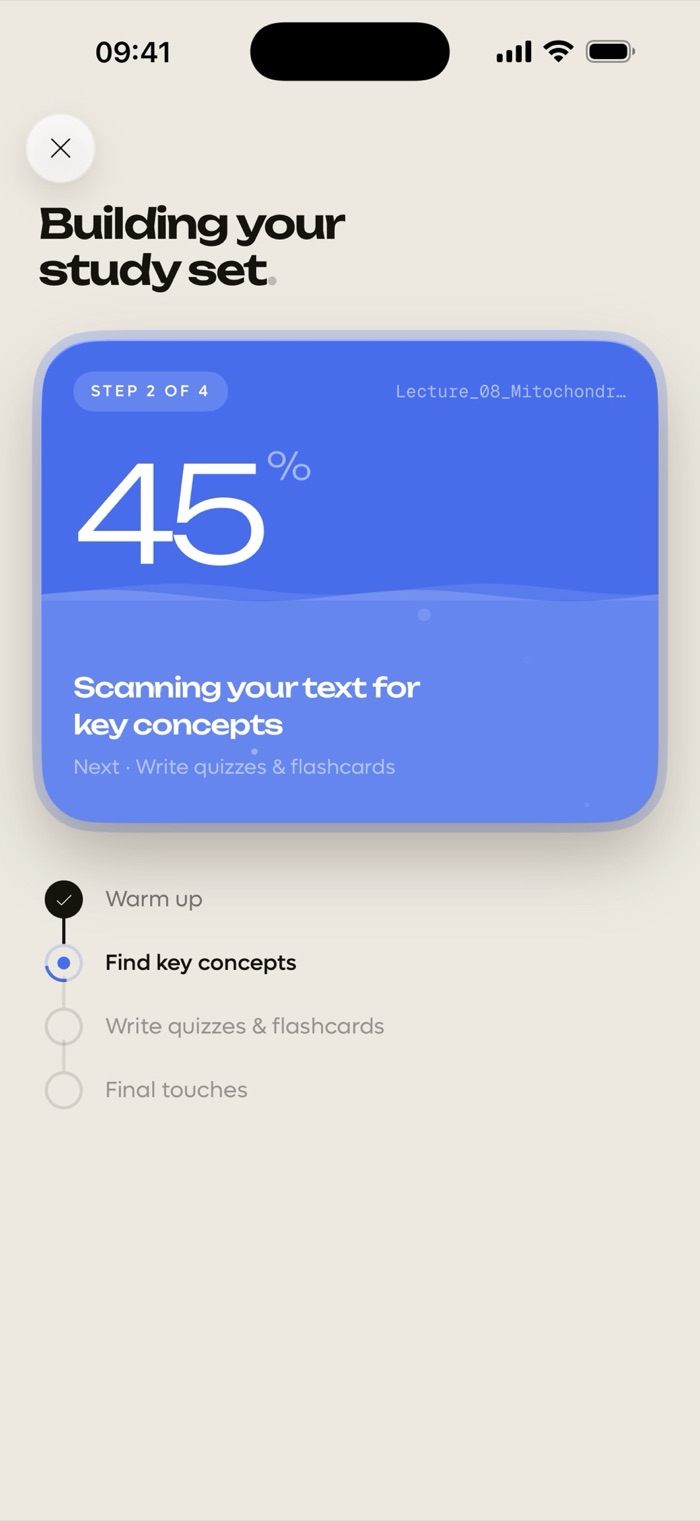
Quibly reads your file and writes the questions in the language of your notes.
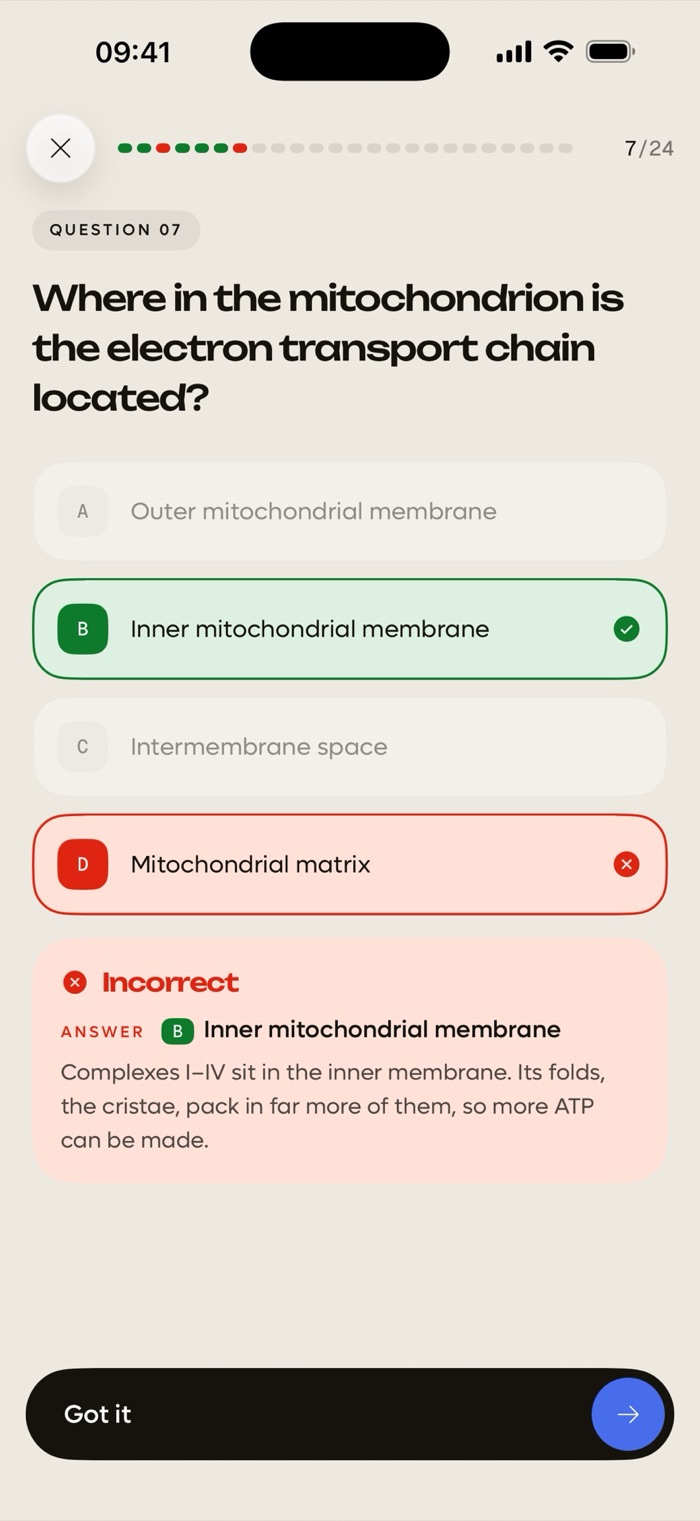
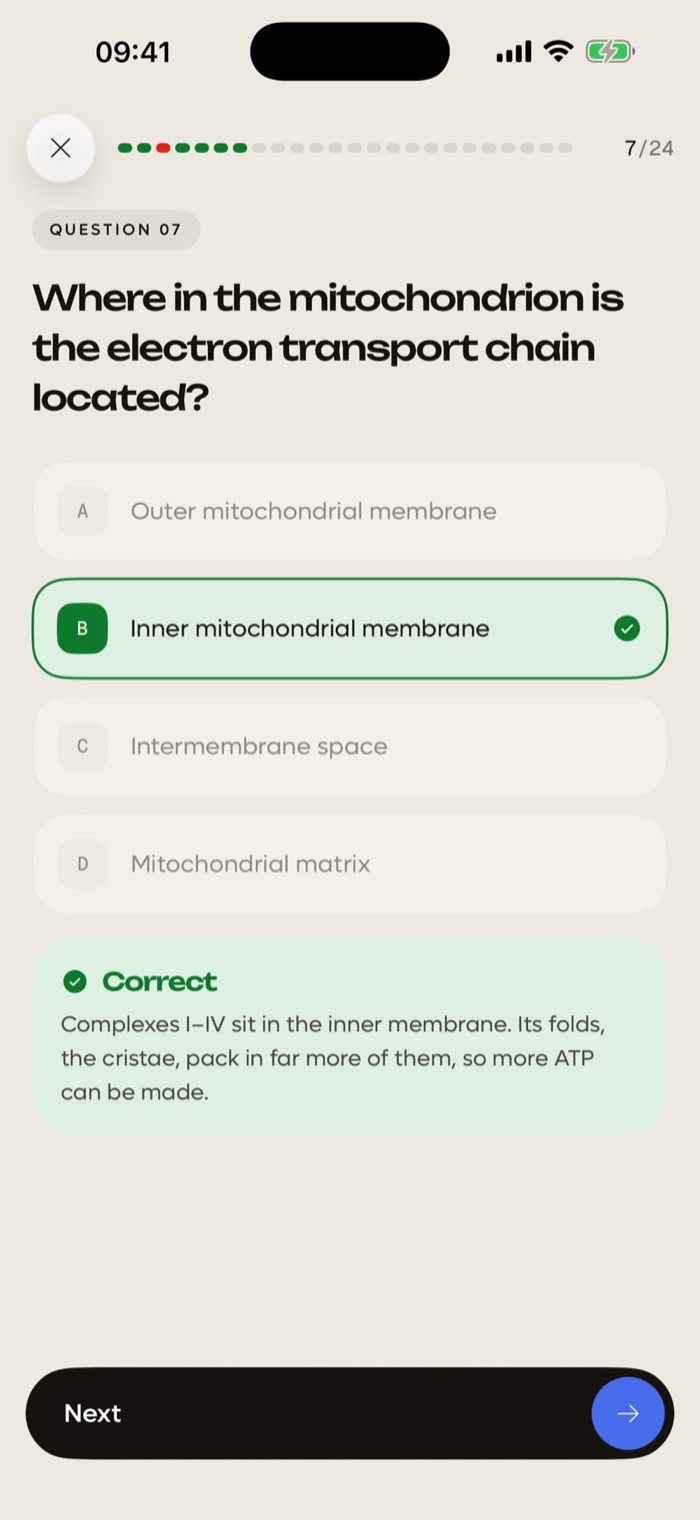
A wrong answer shows the right one with a short explanation, so the miss sticks.
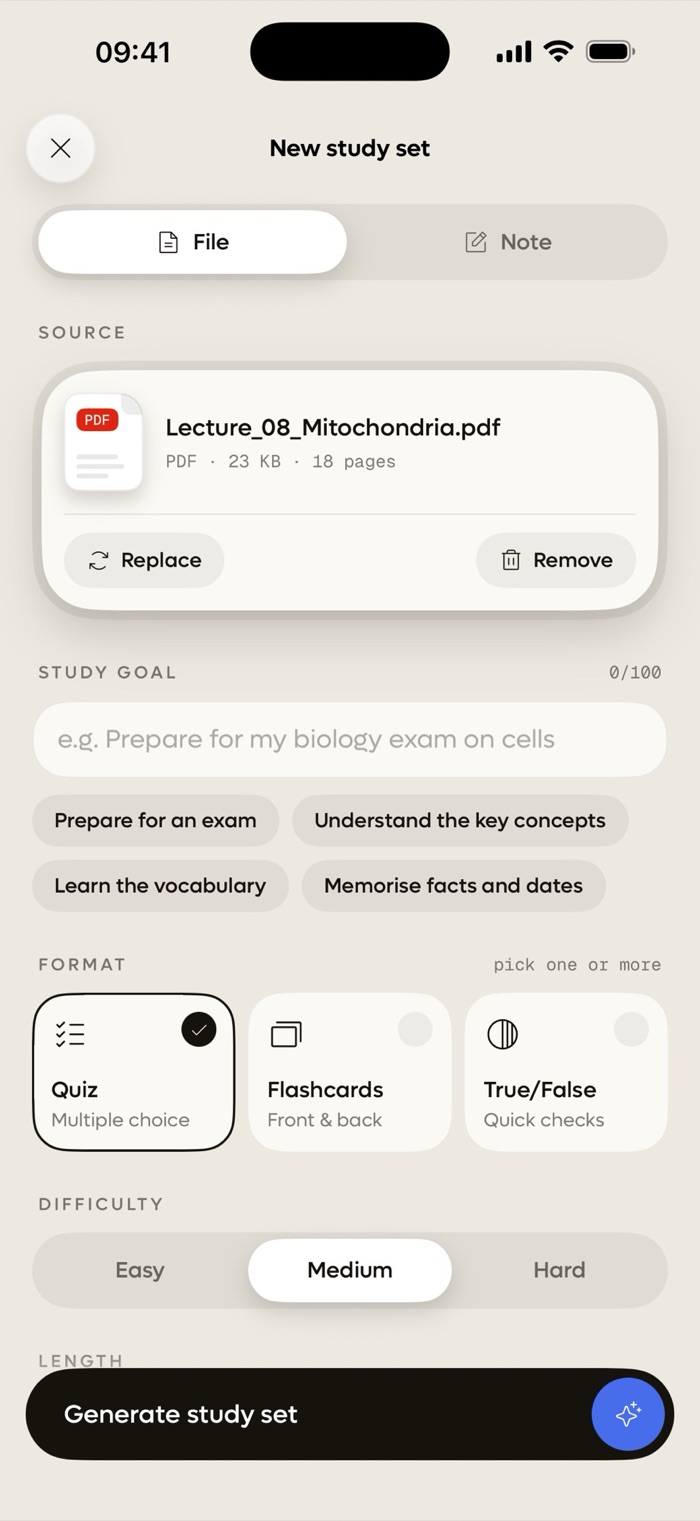

Lecture PDFs, scanned pages, Word docs, PowerPoint slides, photos or typed notes.
Choose quiz, flashcards or true/false. Add your study goal and set the difficulty.
Quibly reads your file and writes the questions in the language of your notes.
A wrong answer shows the right one with a short explanation, so the miss sticks.
Mix formats in the same set. Up to 50 questions per set.
Four options, one right answer, and an explanation every time.
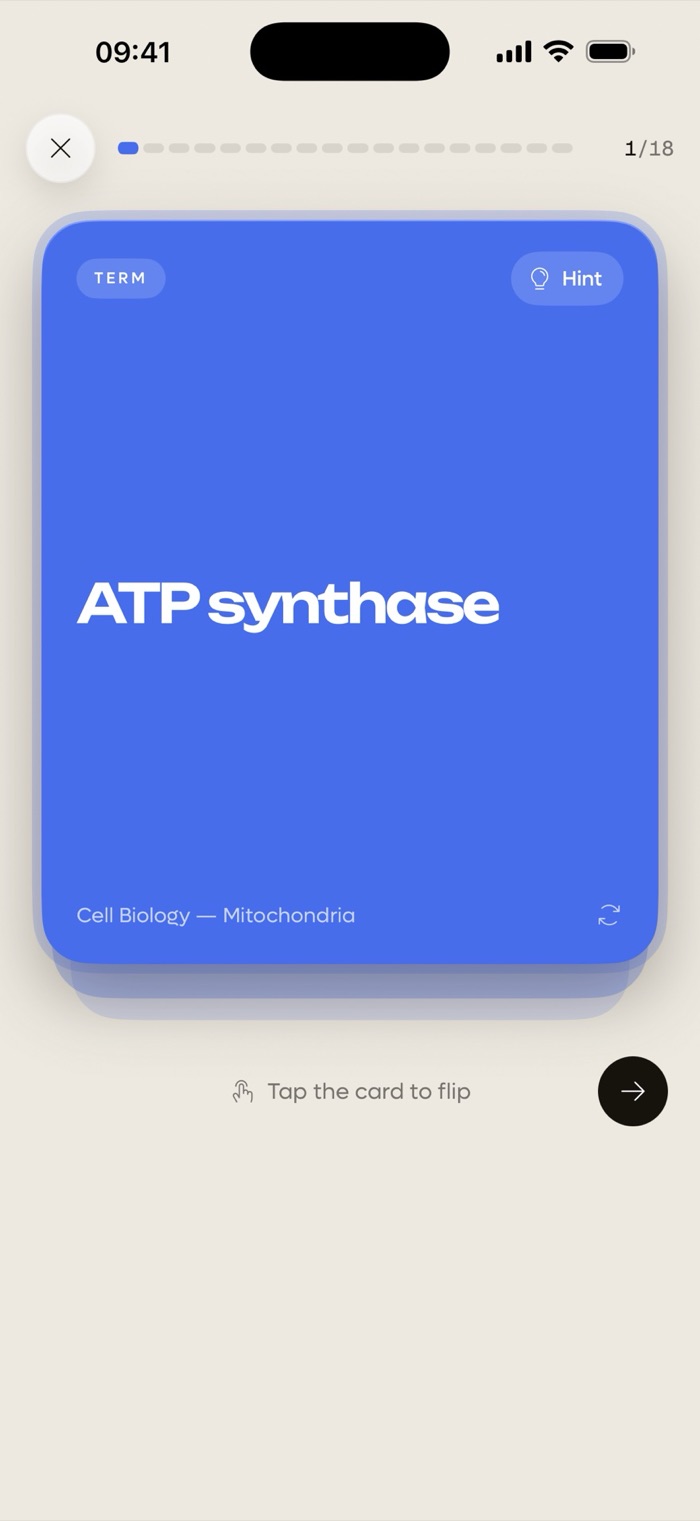
Tap to flip. Hints and memory tips when a card won't stick.
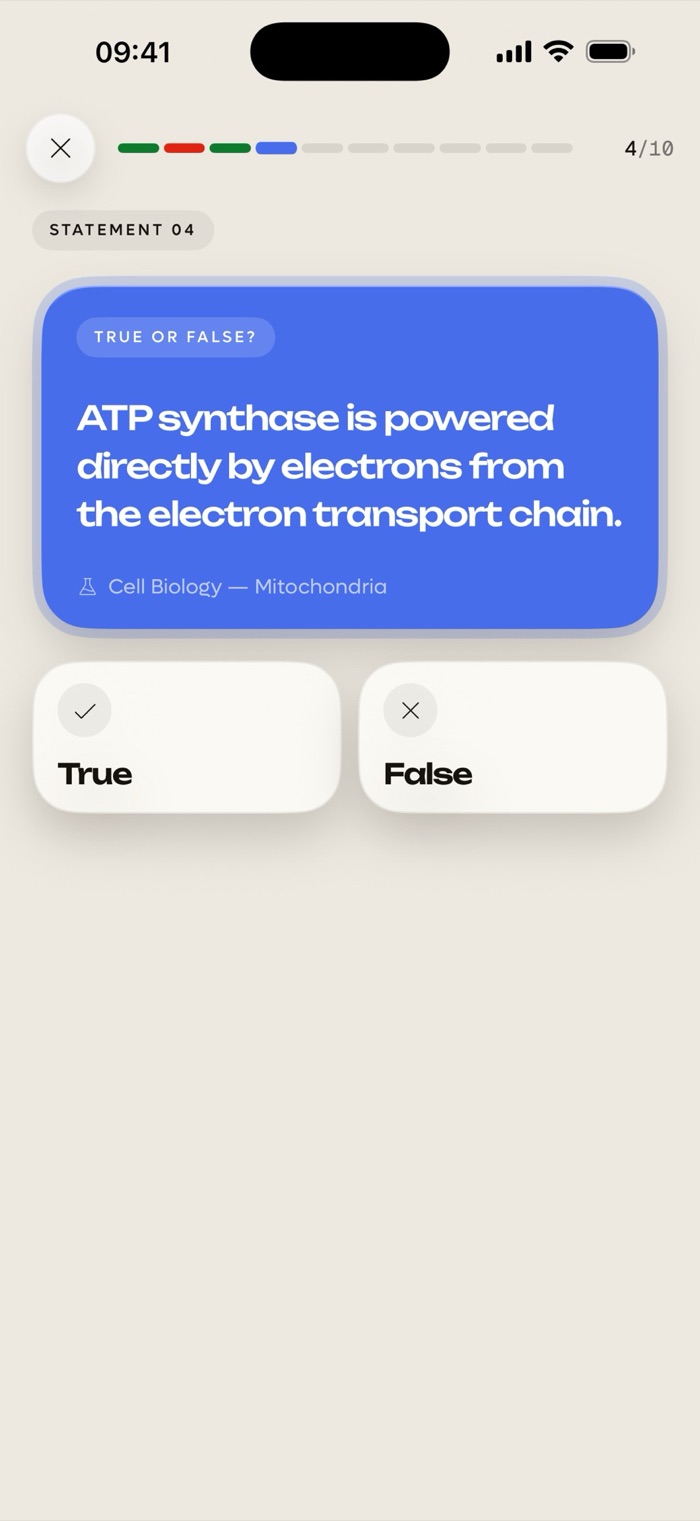
Quick checks for the facts you think you know.
PDF, scanned PDF, Word .docx, PowerPoint .pptx, RTF, plain text, photos and typed notes. Scanned pages are read right on your iPhone.
Every lesson gets a mastery score. It rises as you study and fades when you stop, so you always know what needs review.
Questions and flashcards come out in the language of your document or study goal.
Open the app, drop in a file, start studying. No account, no email.
Quibly is free to start. A Quibly Premium subscription unlocks more study sets and features.
PDFs (including scanned ones), Word .docx, PowerPoint .pptx, RTF, plain text, photos, or notes you type in. Older .doc and .ppt files are not supported.
No. There is no sign-up. Open the app and start with your first file.
Creating a study set needs an internet connection. Reading text from scanned pages and photos runs on your iPhone.
Questions and flashcards follow the language of your document or study goal. The app itself is in English.
Free to start on iPhone. Requires iOS 18 or later.